Menu Styles
Five responsive menu styles with a live preview. Your theme’s menu is never touched.
- Version 1.3.0
- WordPress 6.1+
- PHP 7.4+
- Tested up to 7.1
- GPLv2 or later
What it does
Everything you need. Nothing that slows you down.
Questions
About Menu Styles.
Will it change my theme's header menu?
No, and it cannot. It adds a menu where you place it and loads nothing on pages that do not use one.
Can I put it in my header?
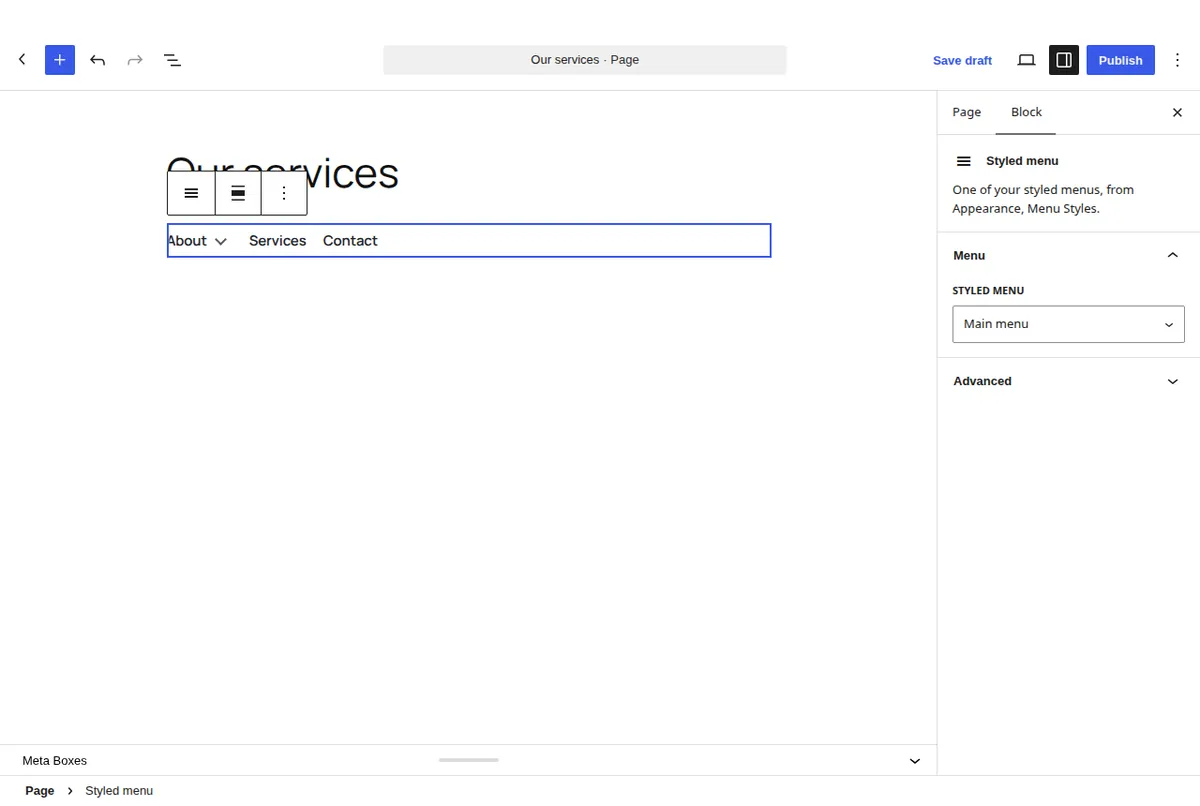
Yes with a block theme: add the Styled menu block to the header template part. With a classic theme, use a widget area or a hook with the shortcode.
Do I have to rebuild my menu?
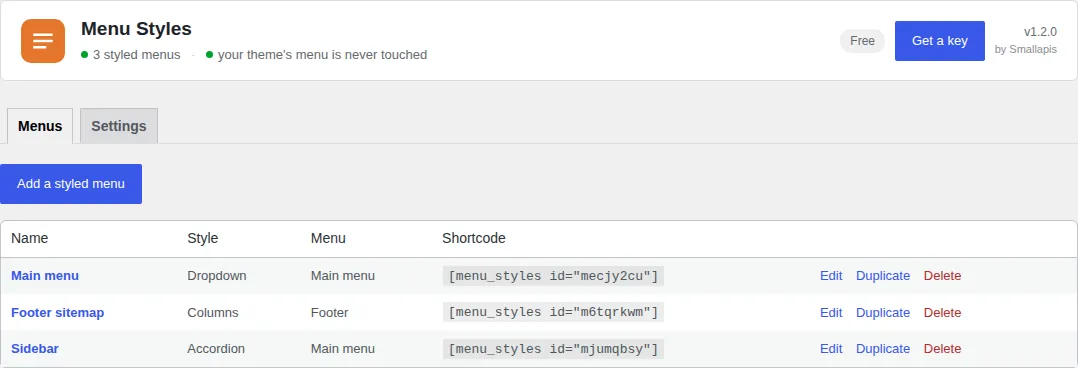
No. It uses the menus in Appearance → Menus, with their items, classes and current-page states.
My theme now shows two menus.
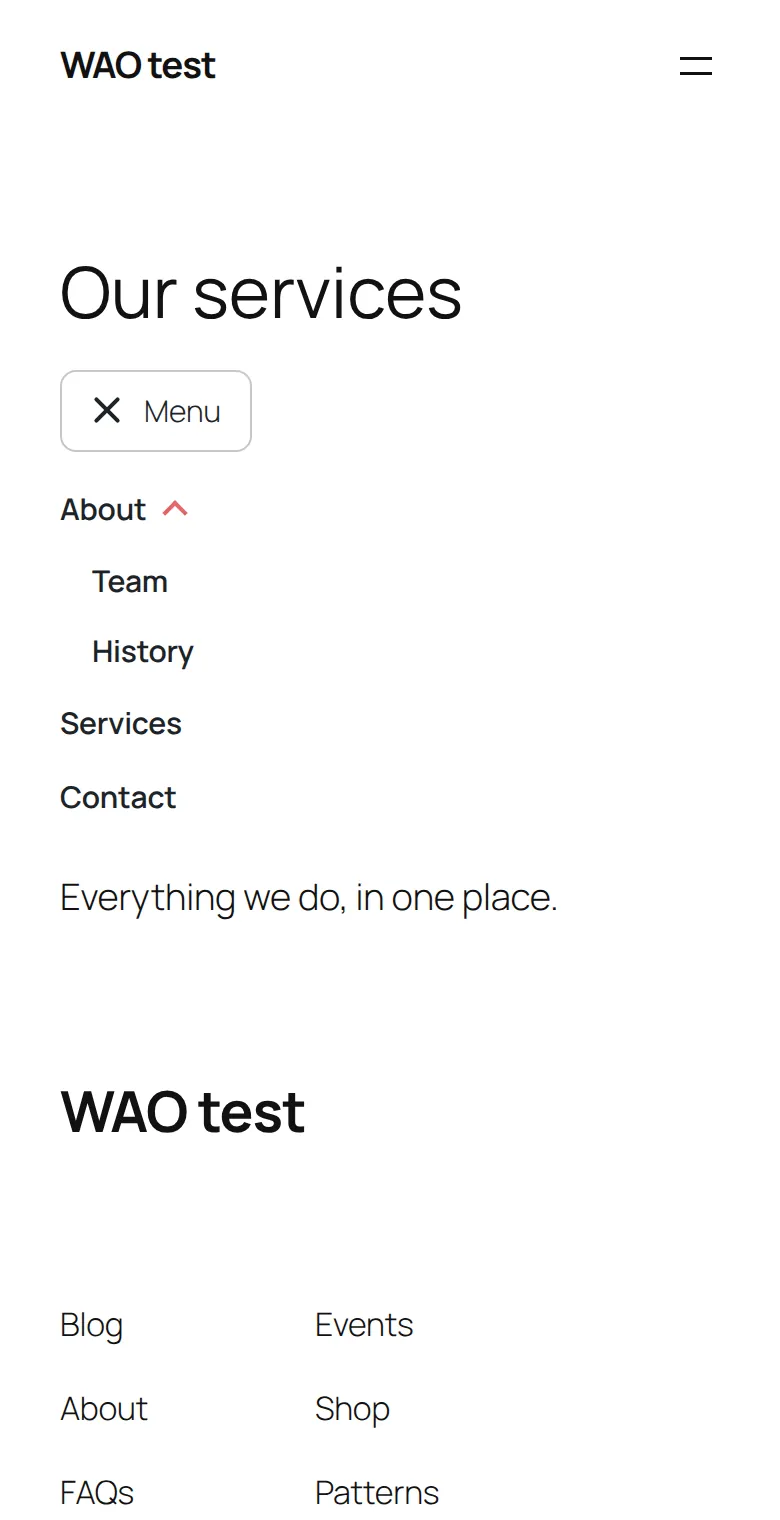
That is expected: Menu Styles adds a menu where you place it and never replaces the theme's. If the styled one is meant to replace the header menu, remove the theme's menu from its location in Appearance, Menus (or from the header template in a block theme), and keep only the block.
How do I hide an item on phones?
In Appearance, Menus, open Screen Options and tick CSS Classes. Then give the item the class msty-hide-mobile, or msty-hide-desktop for the opposite.
Can an update break my style?
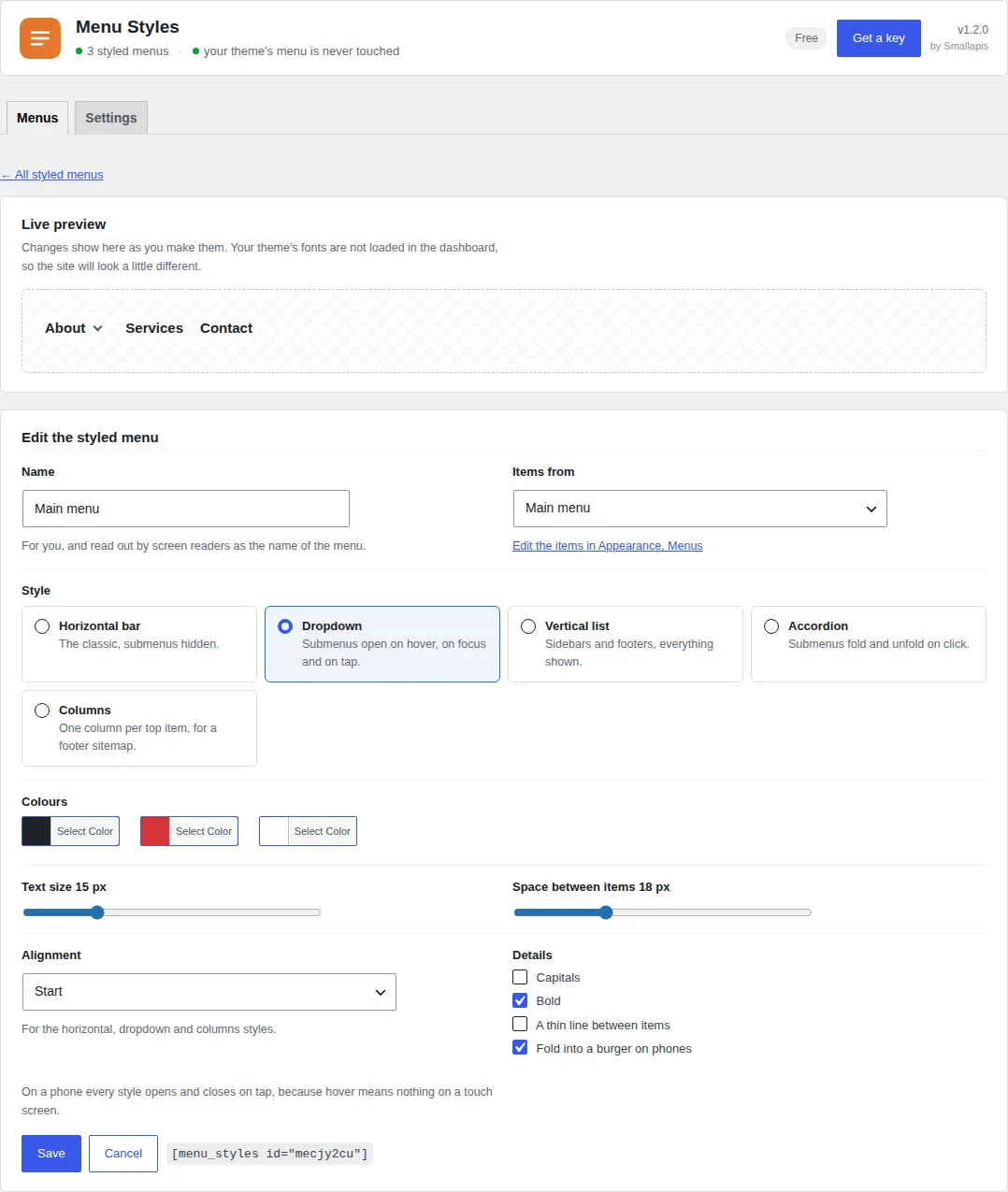
Your settings are stored as plain values (colours, sizes, a style name), not as generated CSS, and the rules all live under the plugin's own .msty class. New options arrive with defaults that reproduce the previous look.
Does it work with a page builder?
Anywhere a shortcode works.
How much does it cost?
It is free, for good, with no account. A key at $29 a year or $99 once lifts the limits of the four plugins on one site. See pricing.